
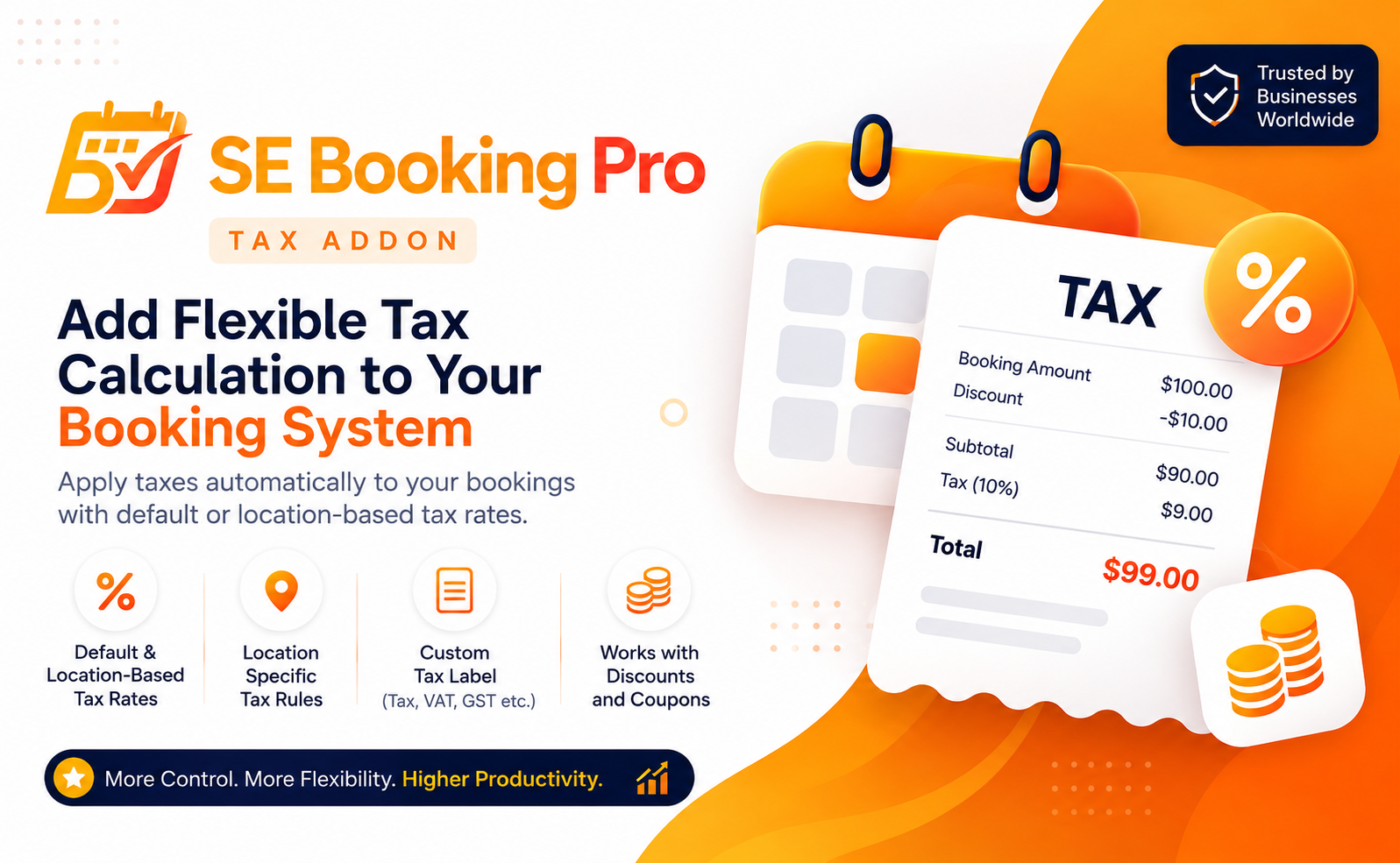

Powerful tax management for your SE Booking Pro booking system.
The SE Booking Pro Tax Addon adds flexible tax calculation to your booking workflow, allowing you to apply a default tax rate or configure different tax rates for individual booking locations.
Flexible Tax Configuration
Set a default tax rate that can be applied across your bookings, or configure specific tax rates for individual locations using the locations already created in SE Booking Pro.
- Default Tax Rate – Apply a standard percentage across applicable bookings.
- Location-Based Tax Rates – Set different tax rates for individual booking locations.
- Centralized Management – Manage your tax configuration directly from the SE Booking Pro environment.
Accurate Booking Pricing
The addon integrates directly with the SE Booking Pro pricing system, making tax part of the booking’s final financial calculation rather than treating it as a separate display-only value.
Tax is calculated using the applicable booking amount and is included in the final financial result returned by the booking system.
Works with Discounts and Coupons
The Tax Addon is designed to work with the SE Booking Pro pricing extension system, including discounts and coupon-based adjustments.
When a discount is applied, the discounted amount is used as the taxable amount before the final tax is calculated.
For example, a $10.00 booking with a $1.00 discount results in a $9.00 taxable amount before the applicable tax is added.
Location-Aware Tax Calculation
Different locations may have different tax requirements. The Tax Addon lets you assign a specific tax rate to an existing SE Booking Pro location while keeping a default rate available for locations without a custom rate.
- Use one default rate for all locations.
- Override the rate for specific locations.
- Use your existing SE Booking Pro location structure.
- Apply the appropriate rate automatically during booking pricing.
Custom Tax Labels
Choose how the tax is presented to your customers by defining your own tax label.
You can use labels such as Tax, GST, VAT, Sales Tax, or another terminology appropriate for your business.
Consistent Financial Information
The calculated tax is included in the booking’s financial information so that the tax amount remains associated with the booking’s final financial record.
This helps keep pricing information consistent across the booking experience and other areas that use the booking’s stored financial data.
Built for SE Booking Pro
The Tax Addon is built specifically for SE Booking Pro and works through its pricing and financial extension system without changing the core booking workflow.
Requires SE Booking Pro.
A professional solution for businesses that need flexible tax calculation across different booking locations.